Here’s what I bring with me to any session I do outside of my set up, whether it’s a friends house, or a recording studio.

1. The laptop
What I bring: 13-inch M5 MacBook
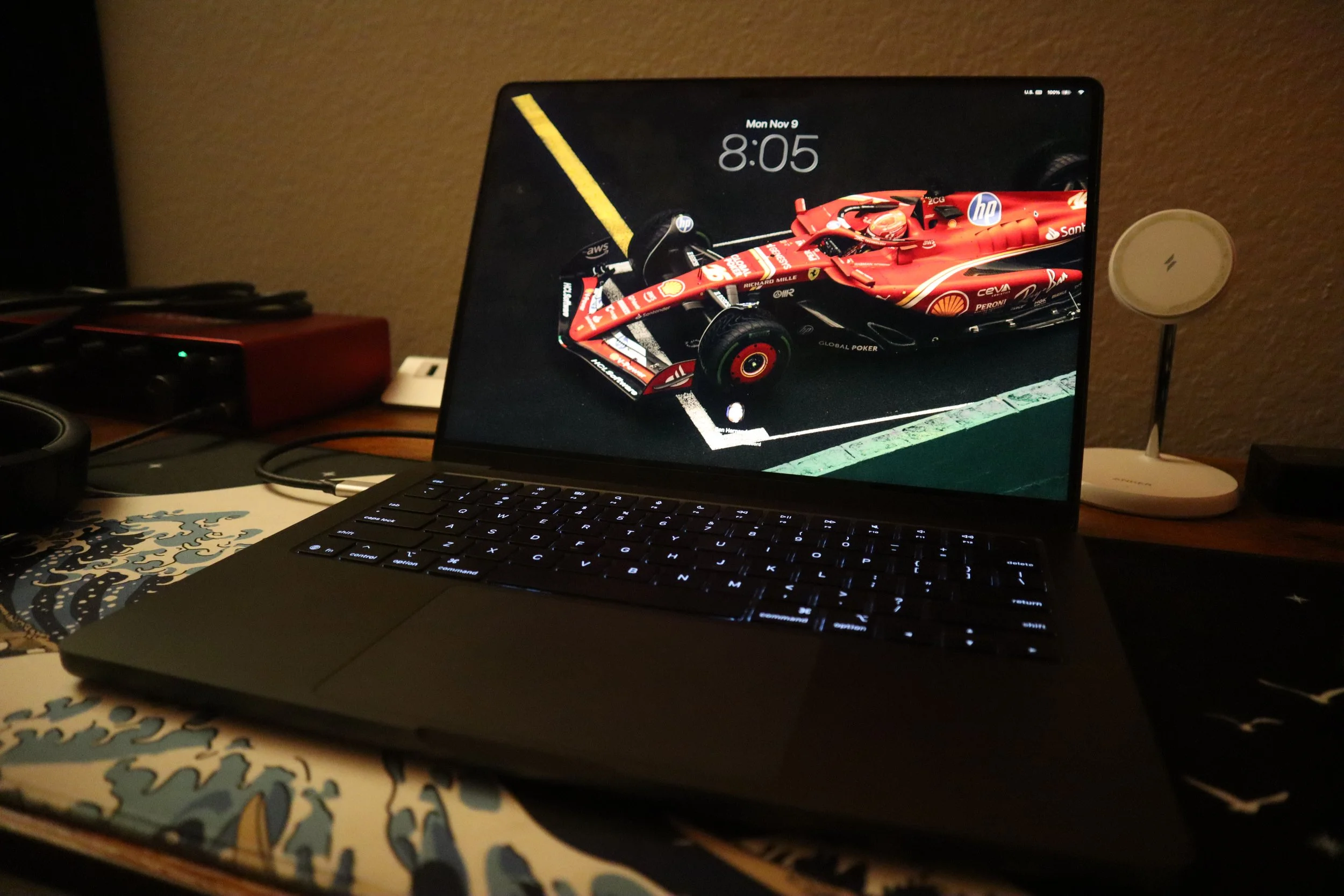
My MacBook has the power and cooling to run a full session without being plugged in, and it’s light enough that I barely notice it in my bag. Most producers I work with are on Macs, so I can AirDrop an idea across the room in seconds.
Budget options
13-inch MacBook Pro M1 (16GB), about $700 used. This is my pick if you want a Mac on a budget. It runs quiet, and the 16GB of memory is what you want for heavier programs like Pro Tools. Make sure you find the 16GB version, since a lot of them were sold with 8GB.
MacBook Neo, about $599-699 new. It’s Apple’s cheapest laptop, fanless, light at 2.7 pounds, and good for up to 16 hours of battery. The catches are 8GB of memory that can’t be upgraded and only two USB-C ports, so it’s best for beat-making and tracking, not huge sessions.
ASUS Vivobook 16, about $600. This is the Windows option, and you get more computer for the money. It’s also the biggest and heaviest of the four, at about 4.1 pounds with a 16-inch screen. It works fine for studio trips, but you’ll feel it in your bag. Get the 16GB/512GB version.
2. Headphones
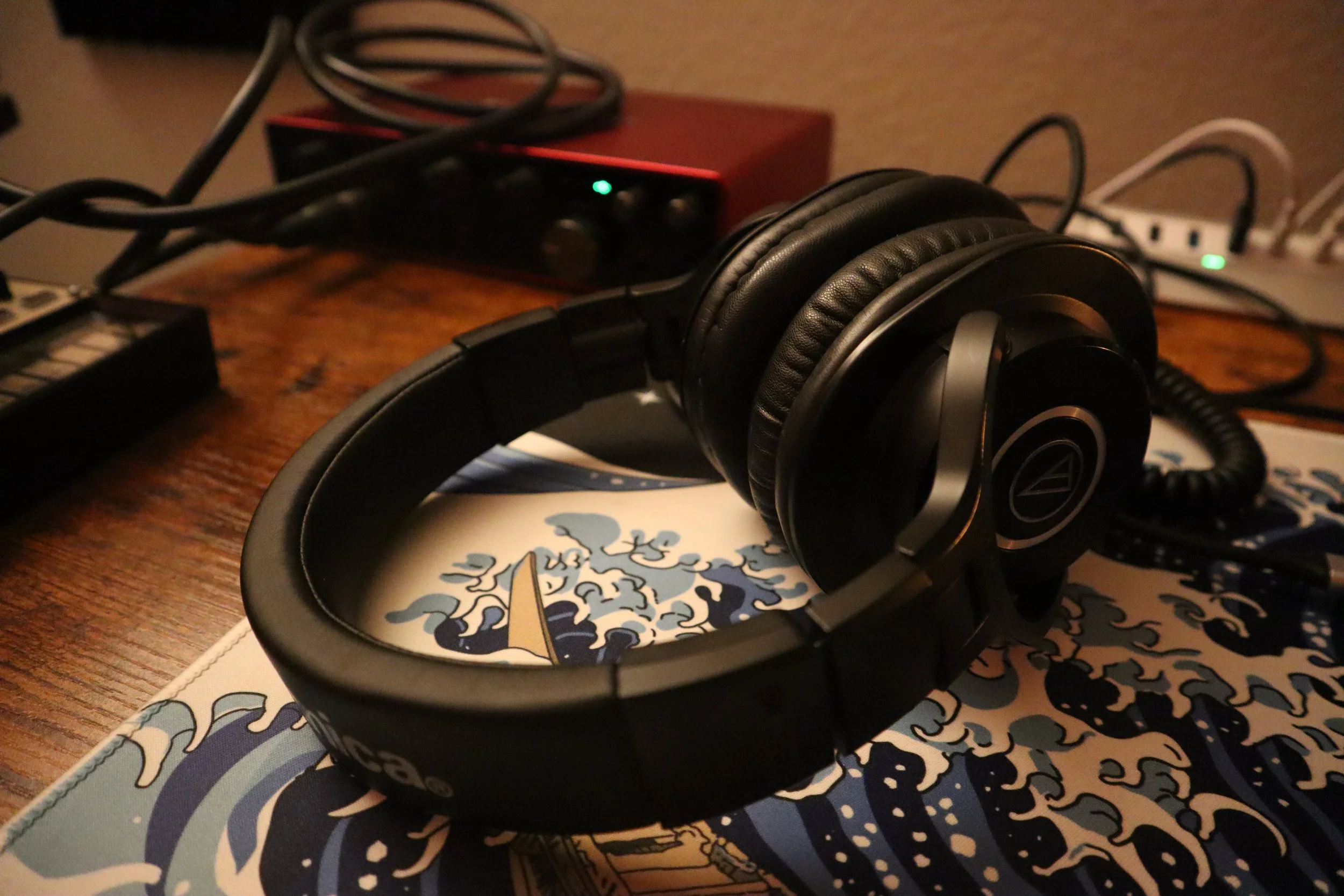
What I bring: Audio-Technica ATH-M40x
Studios usually have headphones, but they’re often worn out or not enough to go around. Bringing my own means I always know what I’m hearing, and I’m used to how they sound. They’re honest and don’t hype the bass, and the detachable cable means a broken cord won’t ruin a session.
Budget option: Audio-Technica ATH-M20x, about $50. I’ve seen these in plenty of studios I’ve worked in. They’re closed-back and comfortable for tracking.
3. A headphone splitter
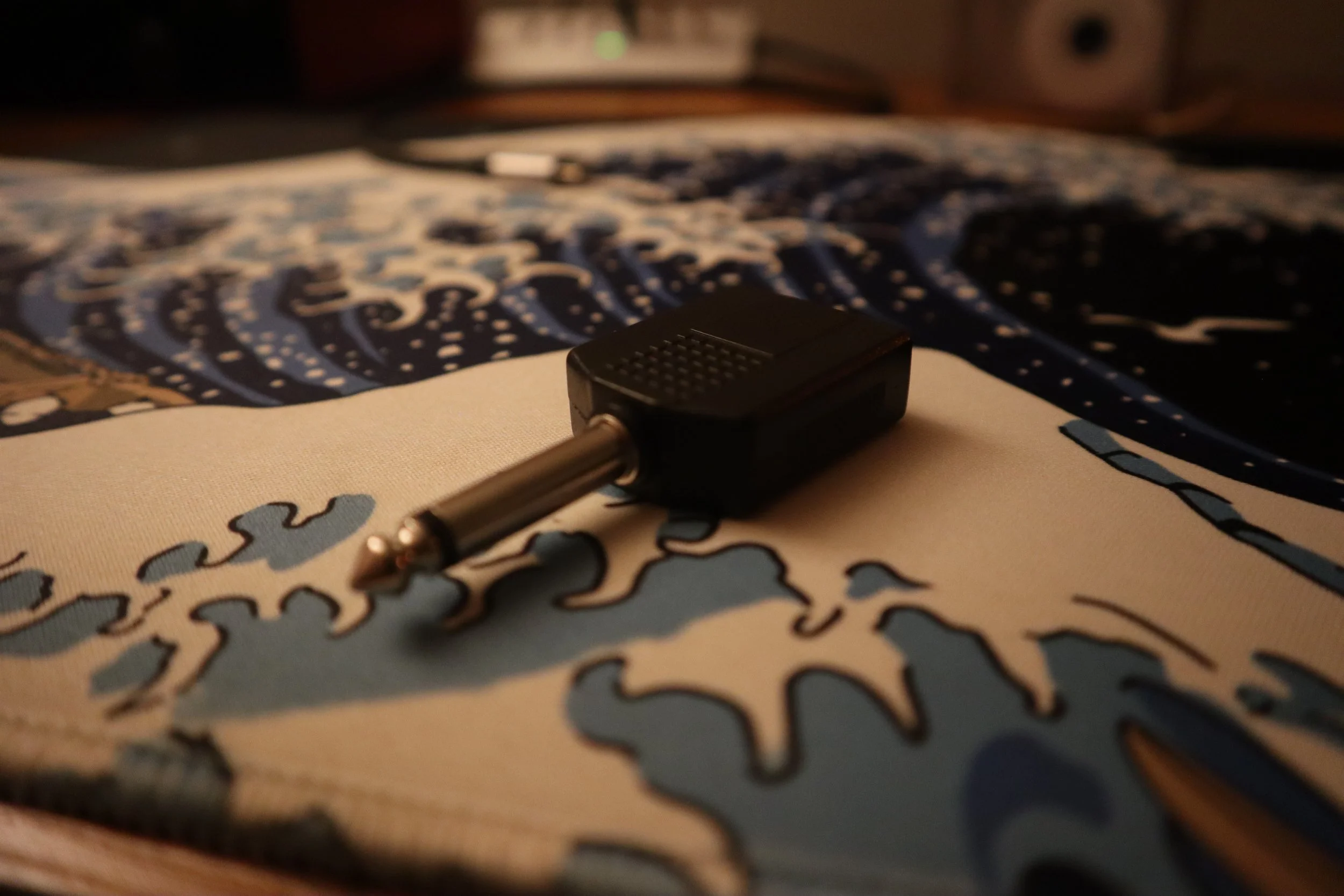
This is the cheapest thing in my bag, and it has saved me more than once. Some studio interfaces only have one headphone output. When I’m recording someone, we both need to hear what’s going on, and a splitter lets two pairs of headphones share that one jack. Check what size jack the interface uses (quarter-inch or 3.5mm) so you bring the right one. It’s also worth bringing a small adapter for whichever size your headphones don’t match.
4. A portable drive
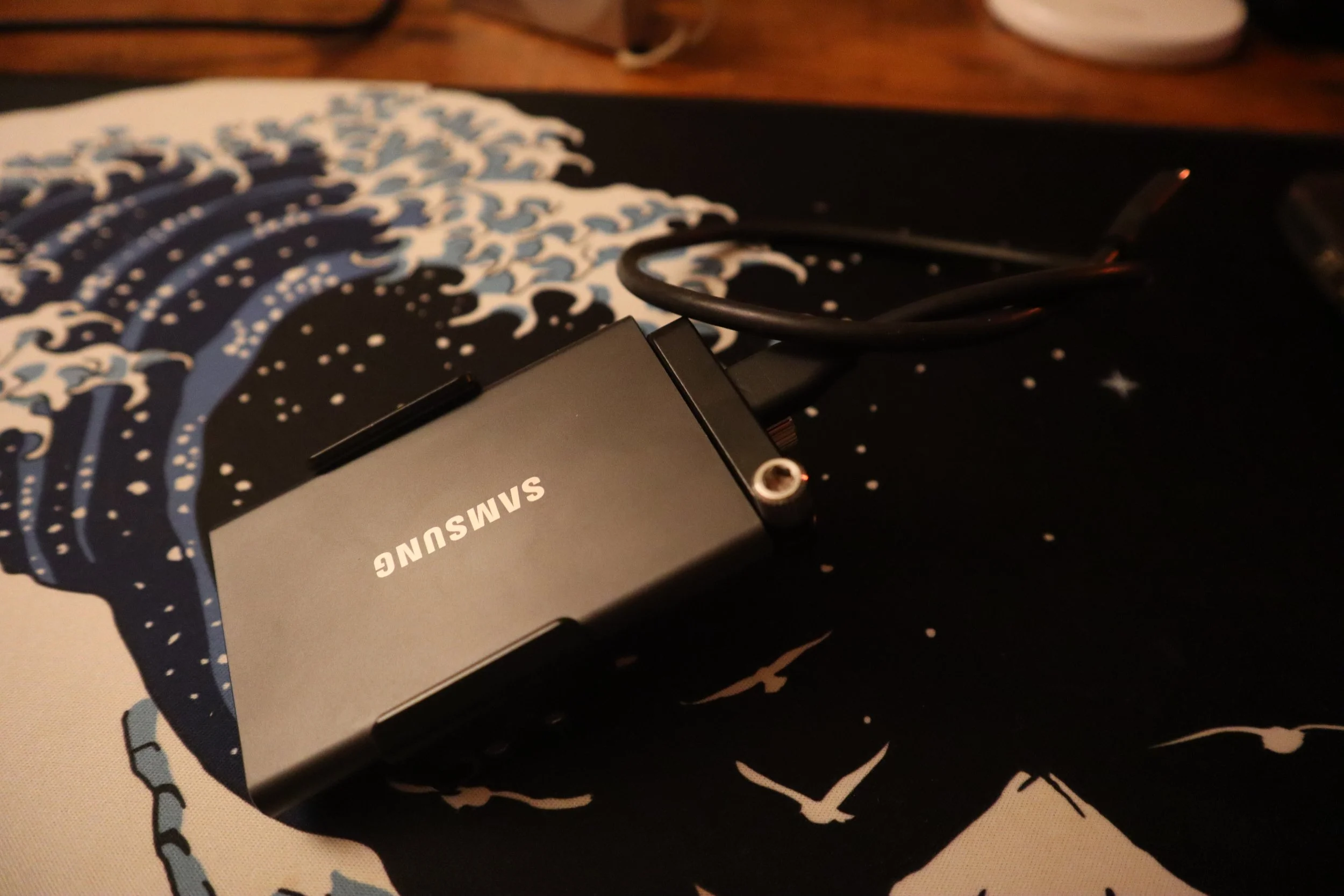
What I bring: Samsung T7 SSD
I use it to move files from machine to machine. Don’t rely on the studio’s Wi-Fi, because uploads can be slow or blocked. It matters most when the other person isn’t on a Mac, since AirDrop won’t work with a Windows machine, and you can’t count on everyone having a cloud account handy.
Budget option: any portable hard drive. You don’t need an SSD. A regular portable hard drive moves session files fine, and it costs less. The speed of an SSD is nice, but it isn’t necessary.
One tip: format the drive as exFAT. Macs and Windows PCs can both read and write to it, so it works on whoever’s computer you end up on.
5. Find out which interface they use before the session
This is the habit that’s saved me the most stress. Before I go, I ask which audio interface the studio or home studio is using. Then I look up the model and download the right driver or control app ahead of time. Some interfaces work right away when you plug them in, and some don’t until the software is installed. Studio Wi-Fi isn’t always reliable, and you don’t want to spend the first half hour of a paid session downloading drivers. I’d rather be ready to record before the artist walks in.
Extra: Bag
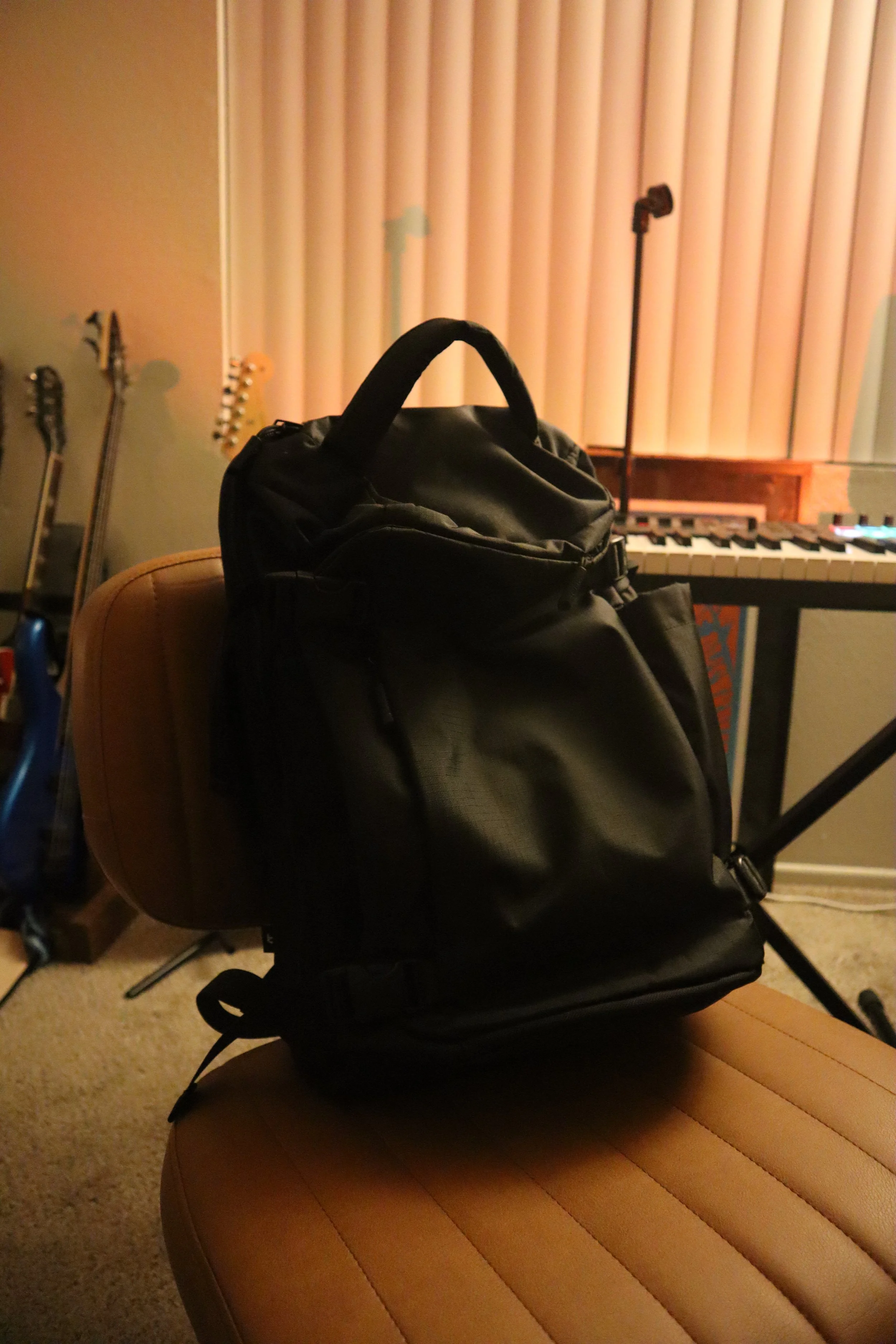
I use the tomtoc Travel Backpack 28L. I recently got this bag so I could travel all in one bag. For the short time I have used it, I have been able to pack all my on the go equipment, as well as a few days worth of clothes and some light camera equipment.
Do not feel like you need an expensive bag for your on the go items. A regular school back back will do just fine, an it is what I used when I first started.
Closing thoughts
This list is what I typically bring to sessions outside of my set up. The bare minimum, in my opinion, would be your laptop, a hard drive, and downloading the proper interface drives. It is also worth noting that many studios have their own in house computers. However, if you want to produce with your own DAW and plugins, bring your own machine.
Being prepared for your session, especially your equipment, will allow you to utilize your studio time to the fullest.