This post contains affiliate links. If you buy through them, I may earn a commission at no extra cost to you.
This is everything you need to get you started when it comes to making beats to producing full on projects. A lot of this gear is equipment I either started with, and even currently still use today. See which options fit your budget best, and think about what you want out of your set up.
If I were to start again, I would begin with the laptop and headphones, particularly if you are primarily a beat maker. However, if you are recording artist, or want to record artists you work with, the interface and mic are essentials to include as well.

The Computer
I spent most of my career producing on Windows and only recently switched to a Mac, so I’ve seen both sides. Honestly, either one will get the job done. It comes down to how you work.
Mac Pick:
These days I produce mostly on my MacBook, mainly because I can work on the go. It handles my sessions without heating up, and the battery lasts long enough that I’m not hunting for an outlet every time I open FL Studio. It also helps in studio sessions. Most of the producers I work with are on Macs, so I can AirDrop an idea across the room in seconds instead of messing with flash drives or uploads.
Mac pick: 13-inch MacBook Pro M1 (16GB), about $599-$699
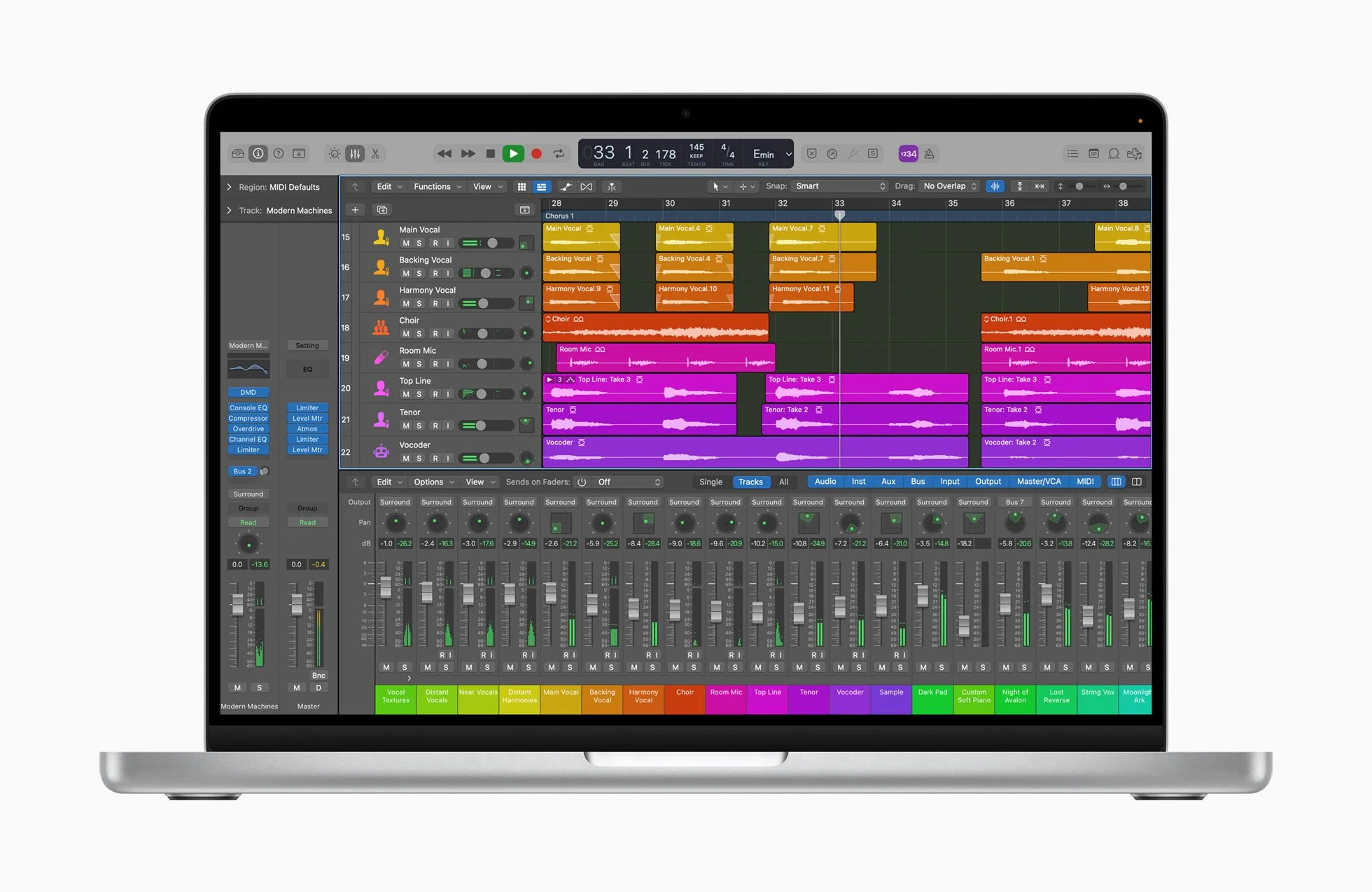
If you want that experience on a budget, the 13-inch M1 MacBook Pro is one of the best deals out there. It came out in 2020, so you’ll be buying it used or refurbished, but it still holds up. It runs quiet nearly all the time, and the fan rarely kicks in unless you’re doing a long export or running a huge session, which matters when you’re recording vocals in the same room.
The big reason to pick this one is memory. Look for the version with 16GB of RAM, since a lot of them were sold with 8GB. That extra memory makes a real difference with heavier programs like Pro Tools, or when you’re stacking up plugins and virtual instruments in a session.
If you’d rather buy new: MacBook Neo, about $599–699
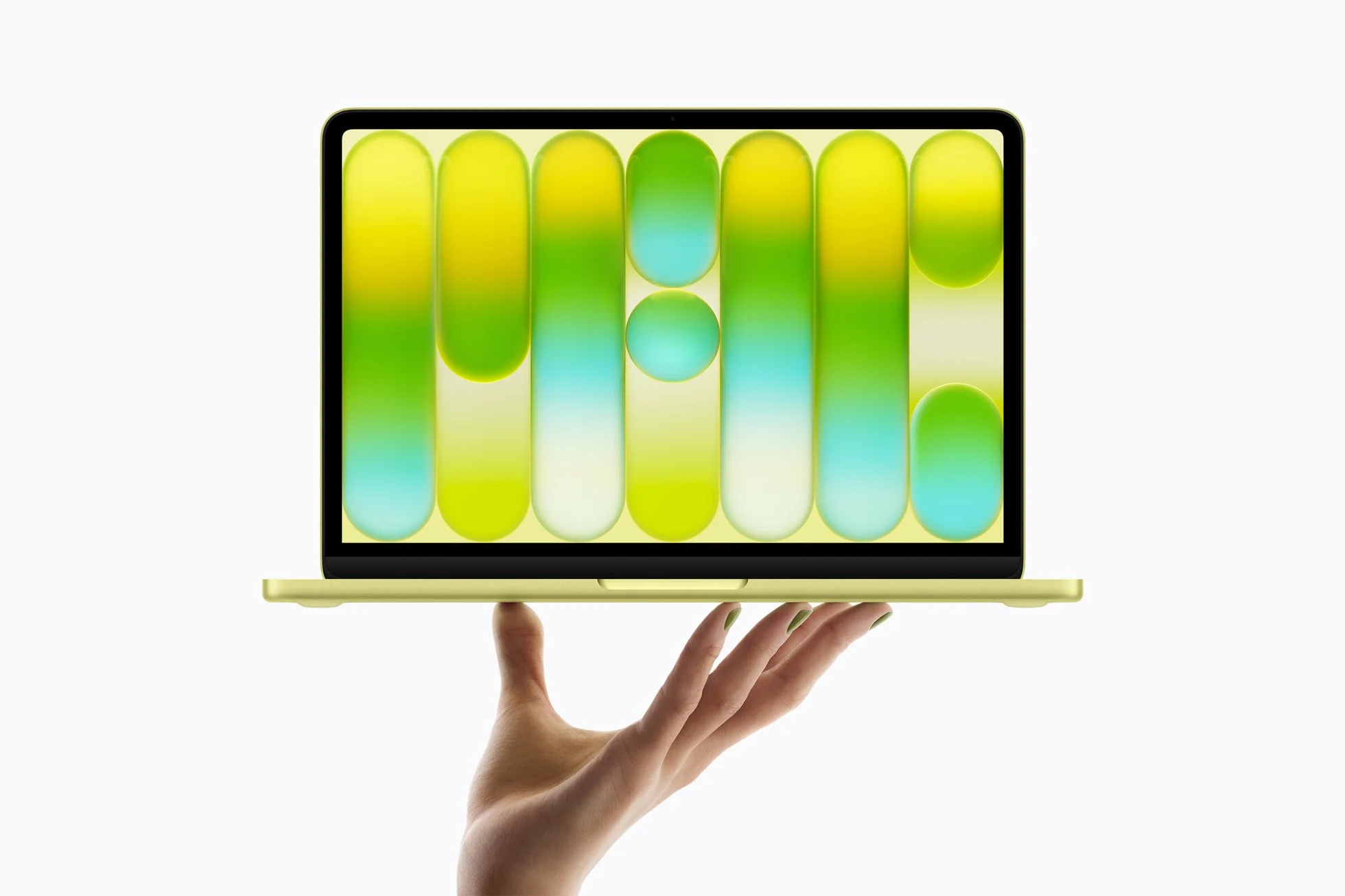
If buying used isn’t for you, the MacBook Neo is Apple’s cheapest laptop ever. It’s completely fanless, so it’s totally silent, and it gets up to 16 hours of battery. The tradeoff is 8GB of memory that can’t be upgraded, so it’s best for beat-making and recording, not big Pro Tools sessions with lots of tracks and plugins. You also get a full warranty and a newer machine that will keep getting updates longer.
Windows pick: ASUS Vivobook 16, about $600
That said, I still miss one thing about Windows: file organization. File Explorer just makes sense to me, and searching for a sample or an old project is fast and easy. When you’ve got years of beats, stems, and sample packs piling up, that matters more than you’d think.
Windows also gets you more computer for your money. The Vivobook 16 gives you a big 16-inch screen, and you can get it with 16GB of memory, double the Neo’s. Look for the version with 16GB of memory and a 512GB drive, since specs vary a lot by model. Stick with Intel or AMD processors, and skip laptops with Snapdragon chips for now, since some audio interfaces and plugins still have compatibility issues on them.
Audio Interface
Your interface is what gets your mic and guitar into your computer, and I’ve recorded full projects on both of these, so I can tell you exactly what you’re getting.
Main pick: Focusrite Scarlett Solo (4th Gen), about $140
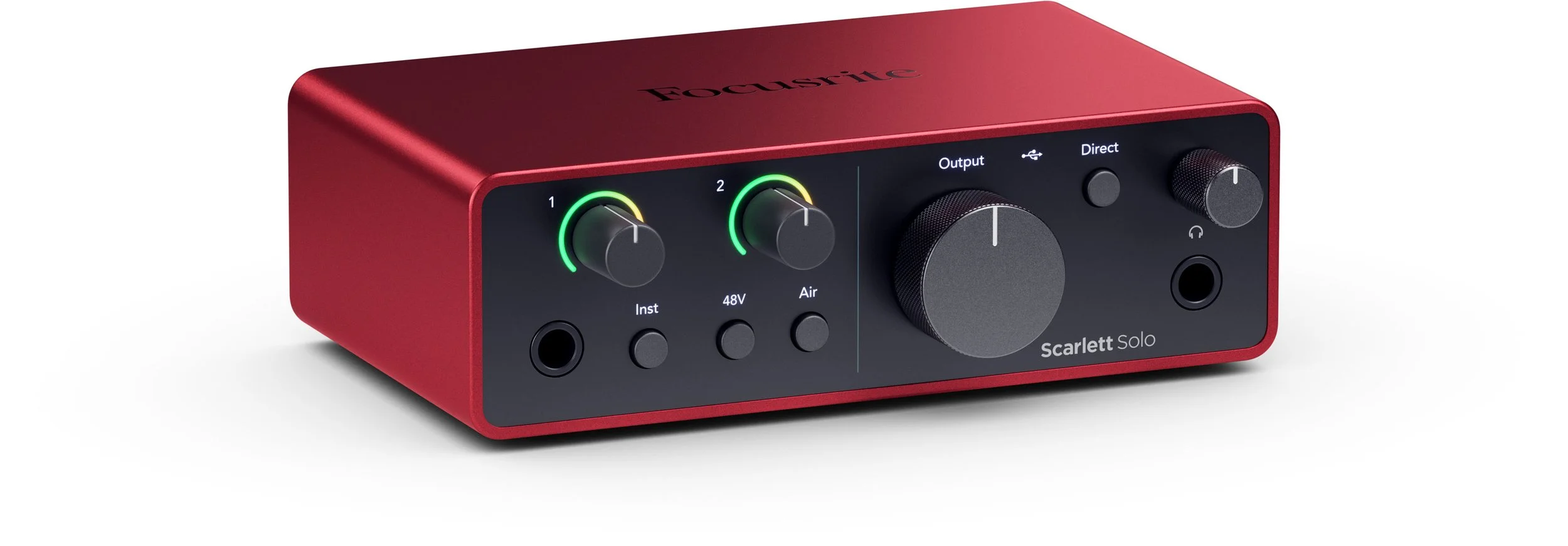
I was fortunate enough to use my friend’s Scarlett Solo at his set up in college, and we produced a full album on it, from scratch tracks to final vocals. It’s the interface that prepared me most for working in real studios. When I started booking sessions I already knew my way around the studio interfaces before anyone had to show me. It also has more features than most budget interfaces. Air mode became my go-to on vocals, since it adds a little brightness and presence right as you record, so takes sound closer to finished before you’ve touched a plugin. It comes with Ableton Live Lite and a few months of Pro Tools Artist too, so you can start recording right out of the box.
Budget pick: M-Audio M-Track 2X2, about $100
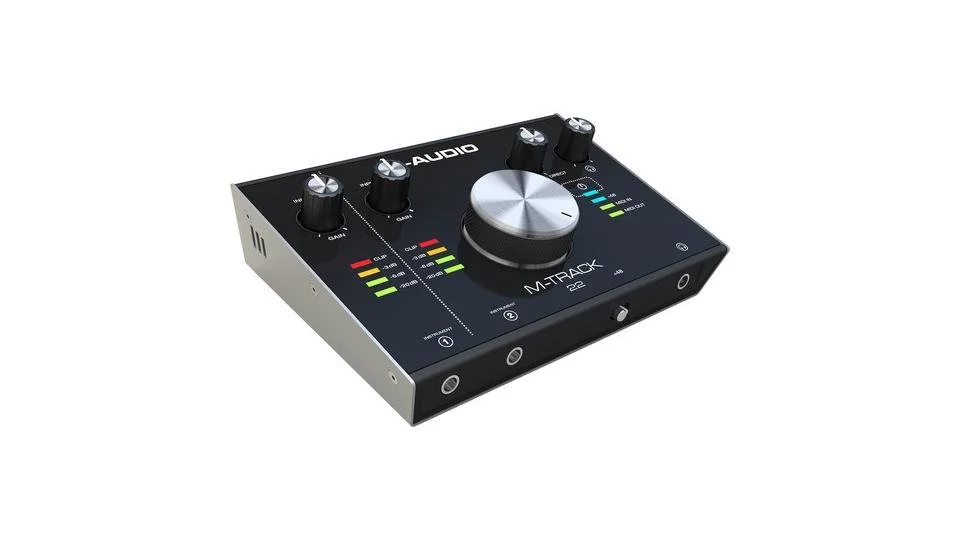
My first real interface was an M-Audio, and I recorded full projects on the M-Track 2X2 too. It doesn’t have the Solo’s extras, but it never got in the way. It recorded clean, it was dead simple to use, and mine kept going session after session for years. If every dollar counts, it’ll do the job just as well for the basics.
Headphones
Before you spend money on studio monitors, get a good pair of headphones. They’re cheaper, they don’t care how your room sounds, and you can use them at 2 a.m. without waking anyone up.
Main pick: Audio-Technica ATH-M20x, about $50
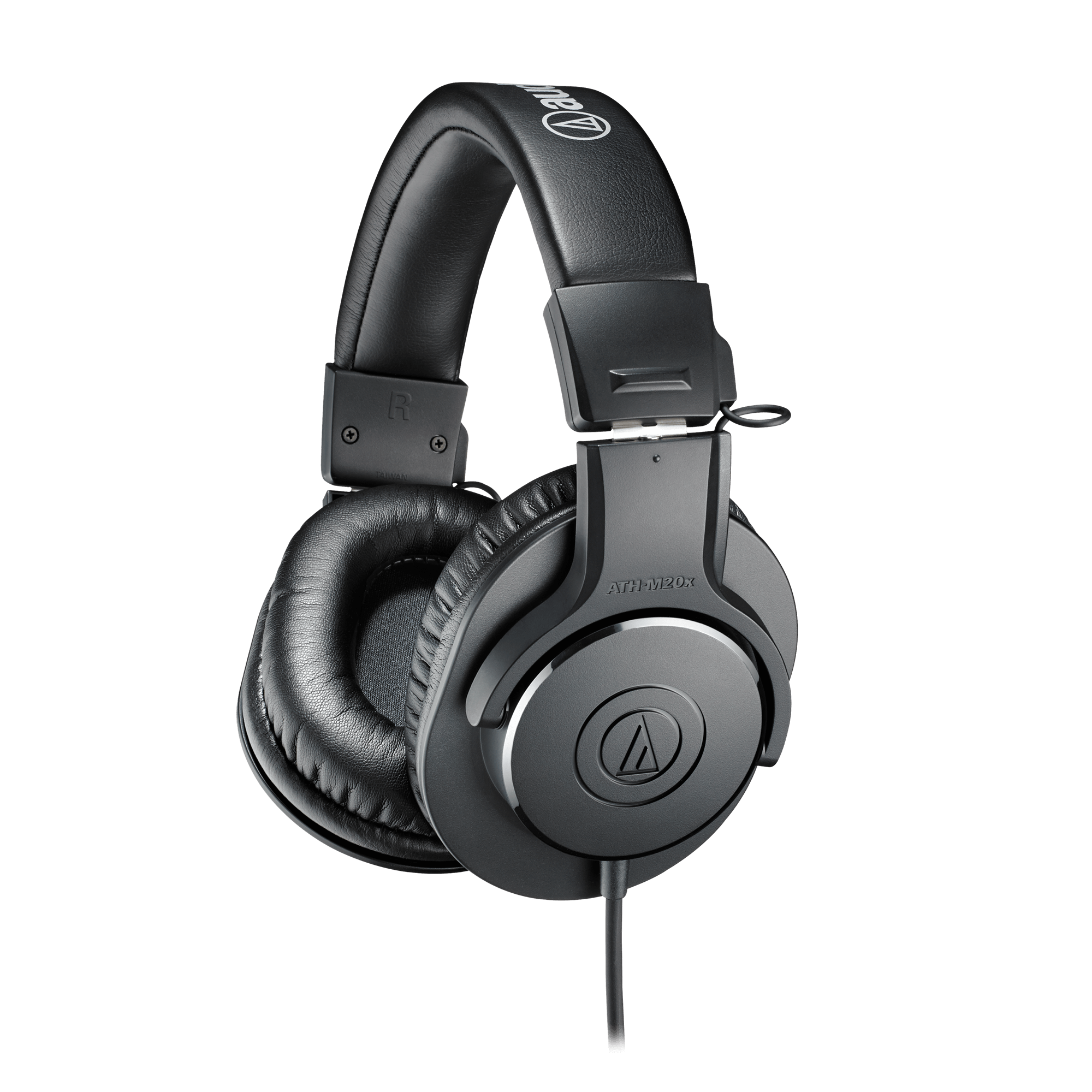
The M20x is the cheapest model in Audio-Technica’s studio lineup, and for a first setup it’s all you need. I’ve seen them in plenty of studios I’ve worked in, which tells you they hold up to real use. They’re closed-back, so they won’t leak sound into your mic while you’re recording, and they’re comfortable and accurate enough to track and mix on when you’re starting out.
Step-up pick: Audio-Technica ATH-M40x, about $100
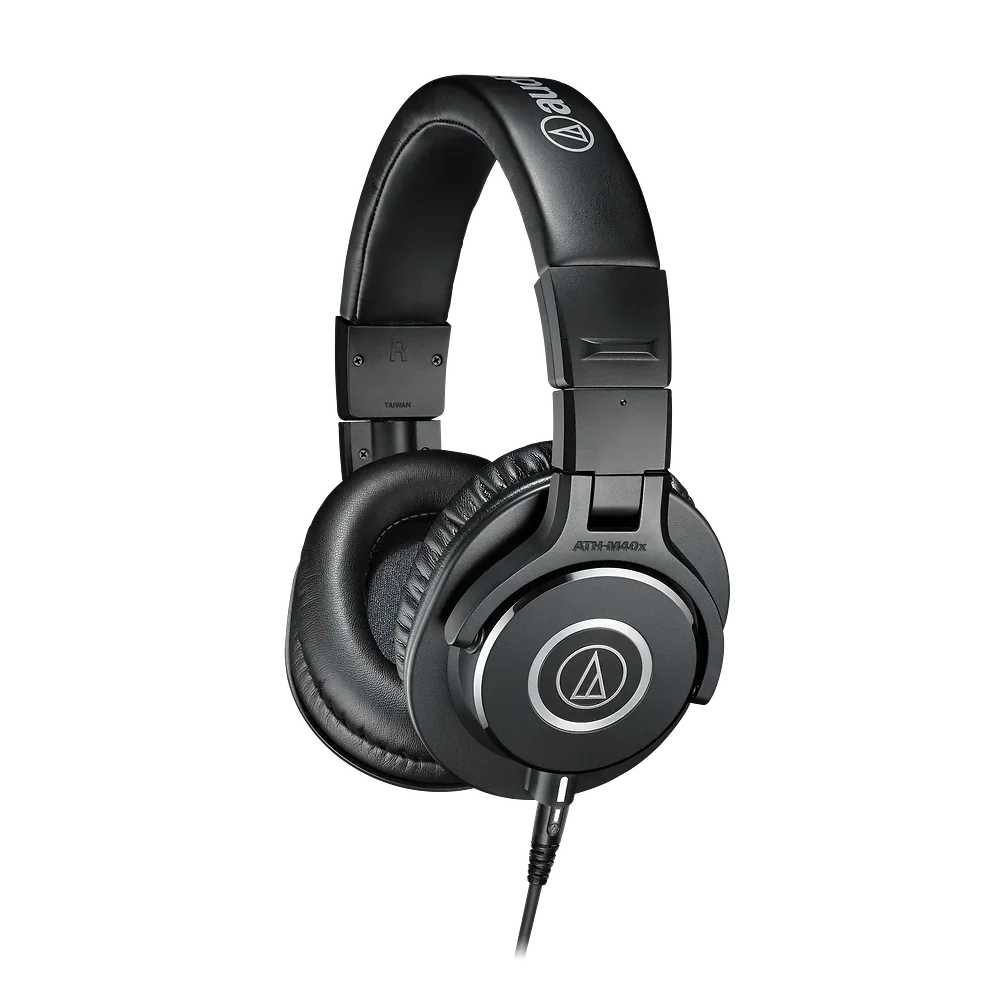
These are the headphones I use, and they’re worth the upgrade if you can swing it. What I like most is that they’re honest. They don’t hype up the bass the way a lot of consumer headphones do, so what you hear is what’s actually in your mix, and your beats don’t fall apart when you play them in the car. The earcups swivel, so you can keep one ear on and one ear off while tracking, and the cable is detachable. That matters more than it sounds: a broken cable is usually the first thing to go on a pair of headphones, and on these you just swap it out instead of buying a new pair.
Microphone
Microphone: Audio-Technica AT2020, about $100
This is the mic I use, and I’ve recorded full projects on it. It’s not going to sound like a $1,000 studio mic, but when it comes to getting down ideas, it really shines. When inspiration hits, you want to plug in, hit record, and capture the take, and the AT2020 lets you do exactly that without fuss.
It records clean, clear vocals with plenty of detail, so if you’re willing to put some creativity into your mixing, this mic will take you a long way. A lot of what makes a vocal sound “expensive” happens in the mix, with EQ, compression, and effects, not in the mic itself.
Misc. Needs
Here are the last few things you will need that are pretty basic across all brands.
XLR Cable - I recommend getting a 10ft cable, it will be the most versitile, and you won’t be limited by length
3.5mm to 1/4 inch adapter - this will allow you to plug your headphones into your interface. Both of the headphones I recommended should come with those adaptors already, but they are easy to lose, so having extra is essential
Pop filter - this is for your mic, and prevents harsher sounding letters like “P," "B," "T," and "K" from punching through the mix. I recommend a standard mesh filter, or a wind sock.
Wrapping up
You don’t need a lot of gear to start making real music. A computer, an interface, a mic, and a pair of headphones will get you from first idea to finished song, and I’ve recorded full projects on gear like this.
Here’s the short version of what I’d buy:
Computer: a 16GB M1 MacBook Pro if you want a Mac, or the ASUS Vivobook 16 if you want Windows
Interface: Focusrite Scarlett Solo, or the M-Audio M-Track 2X2 if you’re on a tighter budget
Mic: Audio-Technica AT2020
Headphones: Audio-Technica ATH-M20x, with the M40x as the upgrade
The Total
Mac build: $990
$700 used 16GB M1 MacBook Pro + $140 Focusrite Scarlett Solo + $100 AT2020 + $50 ATH-M20x
Windows build: $890
$600 ASUS Vivobook 16 + $140 Focusrite Scarlett Solo + $100 AT2020 + $50 ATH-M20x
Cheapest build: $850
$600 ASUS Vivobook 16 + $100 M-Audio M-Track 2X2 + $100 AT2020 + $50 ATH-M20x
The cheapest build is Windows with the M-Track 2X2.
The biggest mistake I made starting out was buying gear before I knew what I needed. Start with the basics, make music, and only upgrade when something is actually holding you back. Your creativity matters more than your gear list.
Hope this helps to get you started!